Mesdan
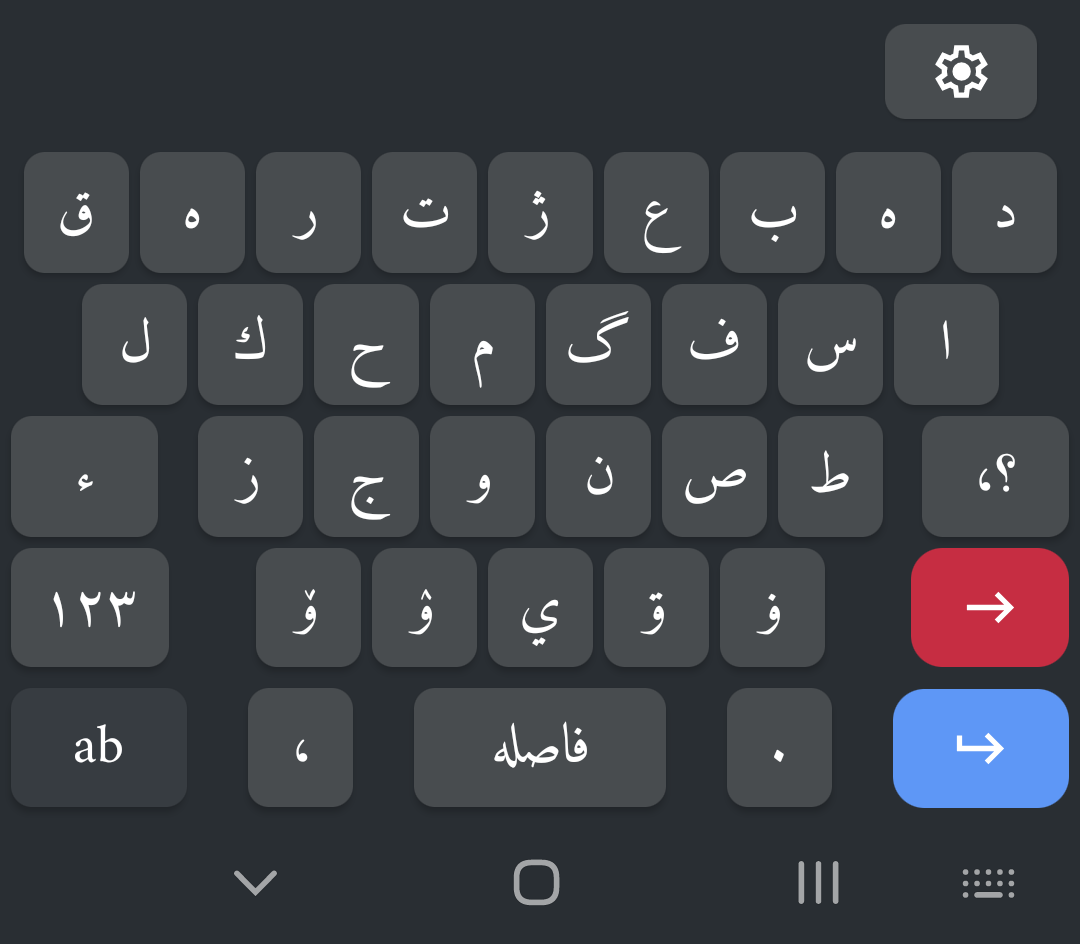
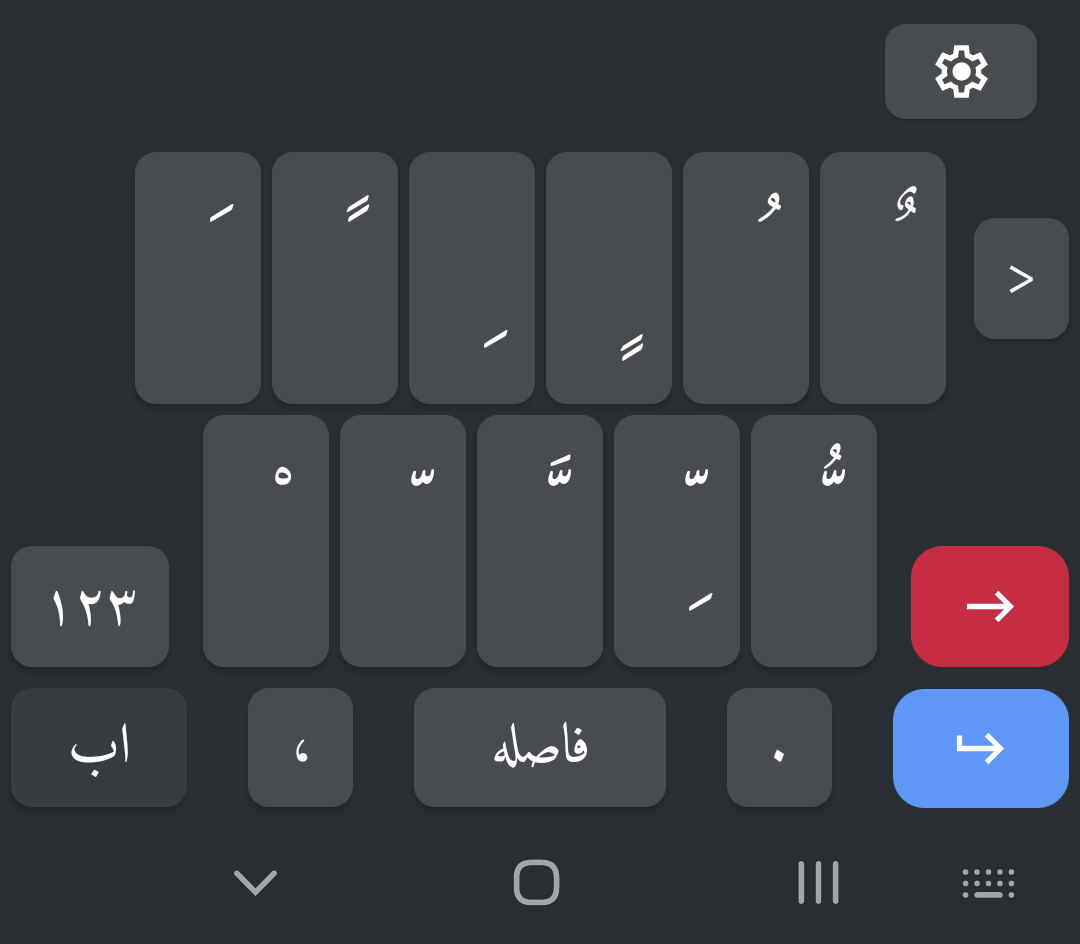
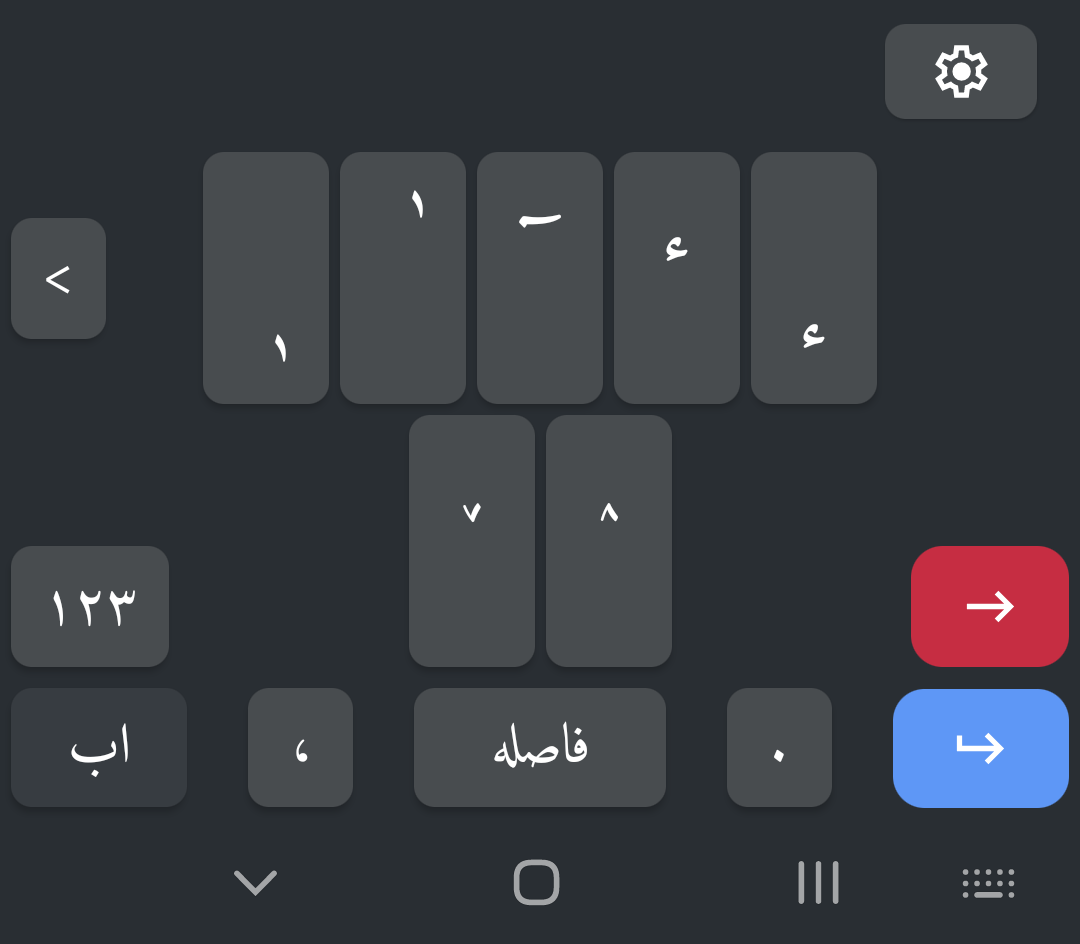
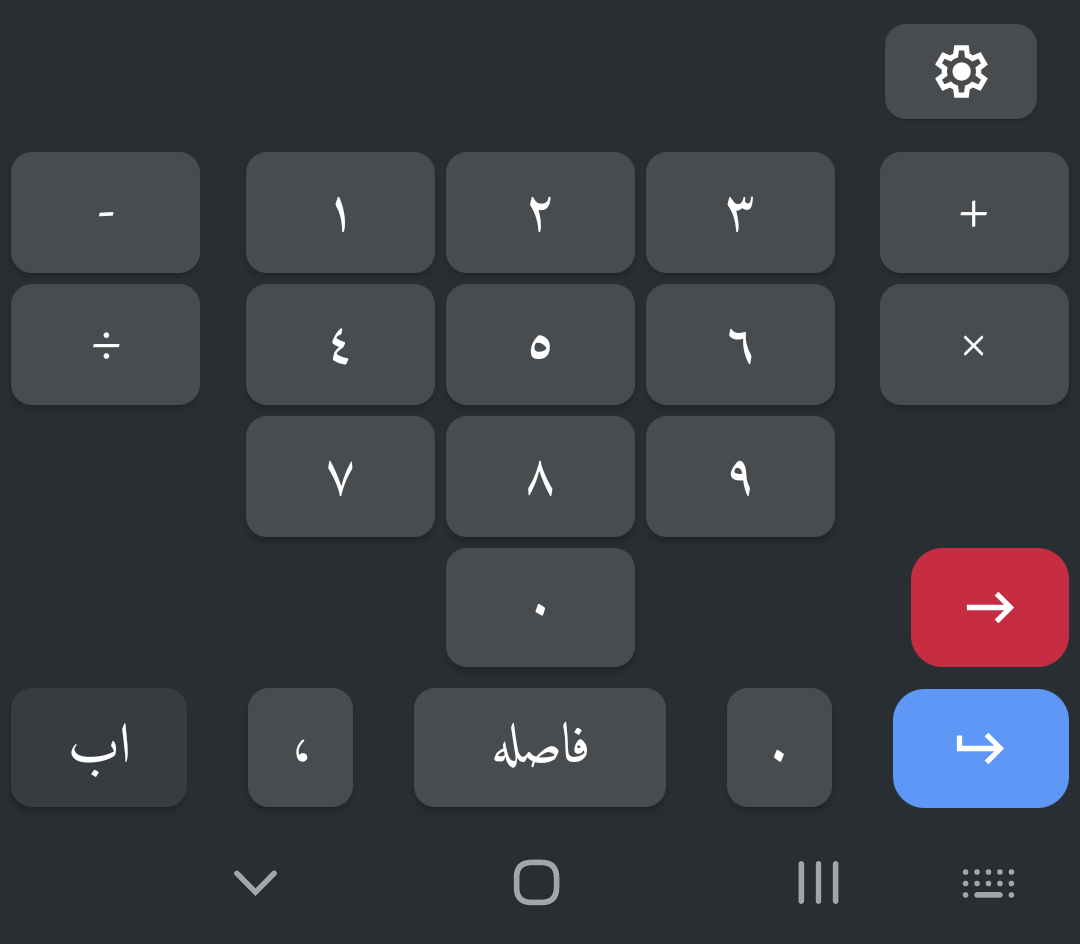
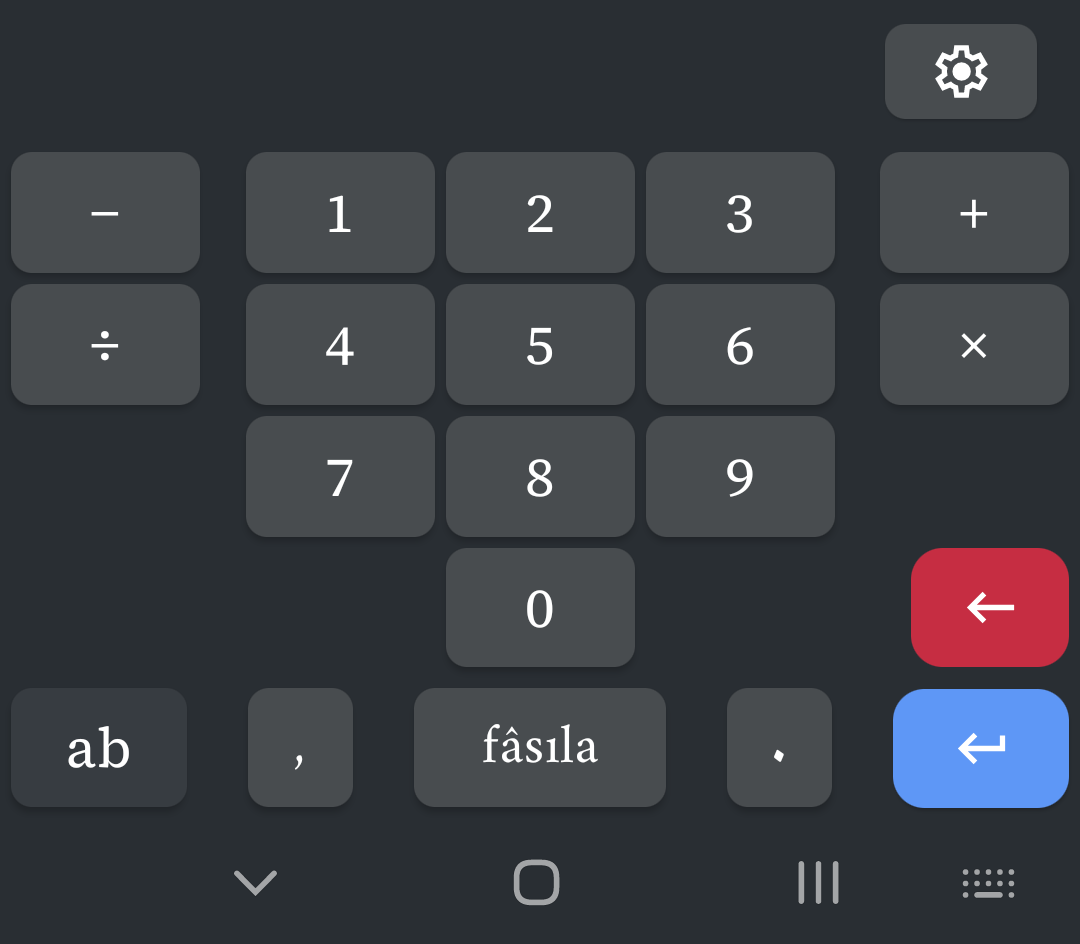
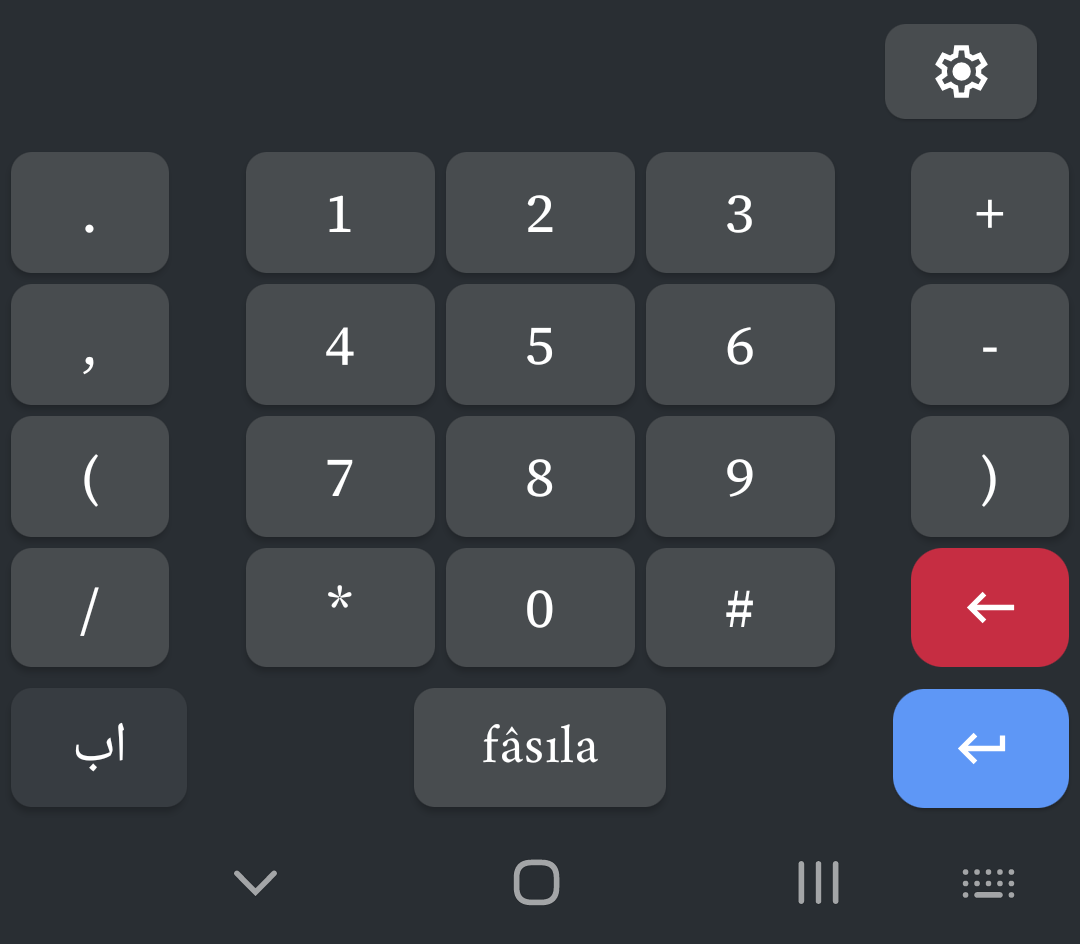
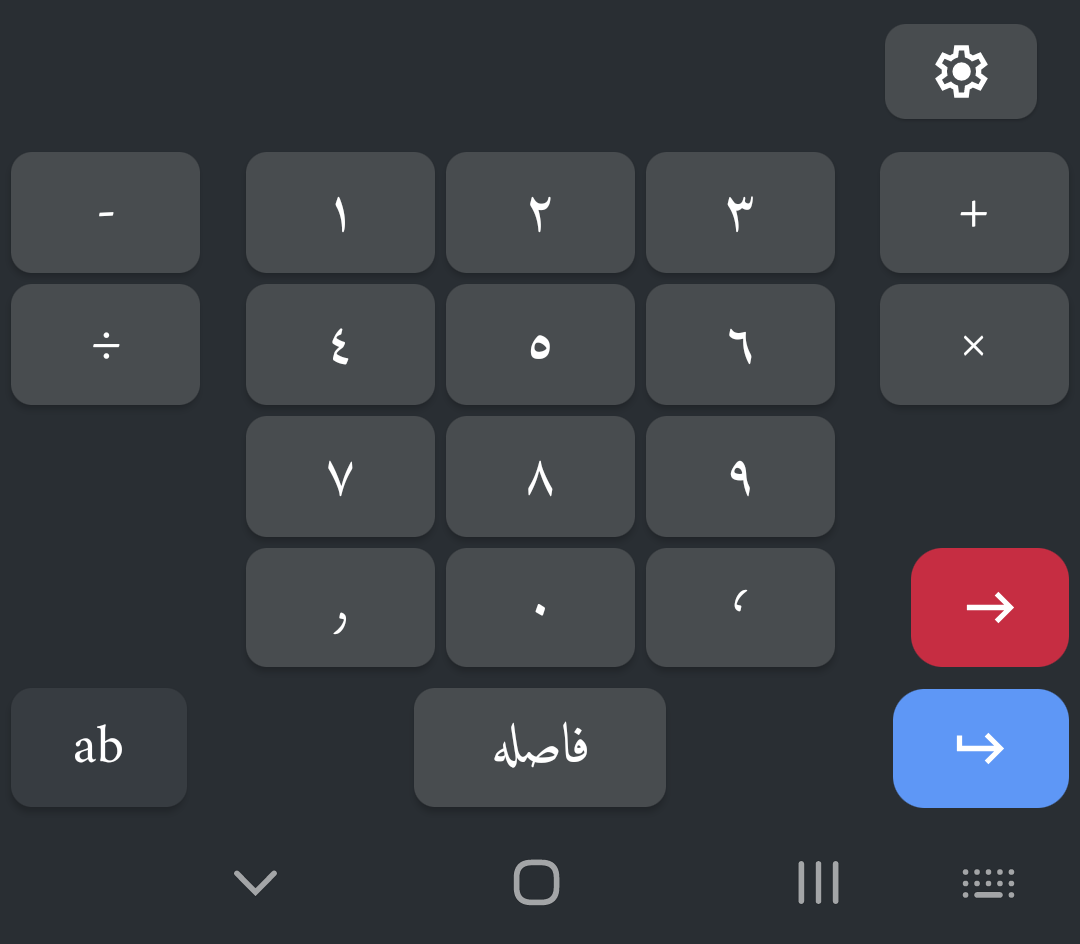
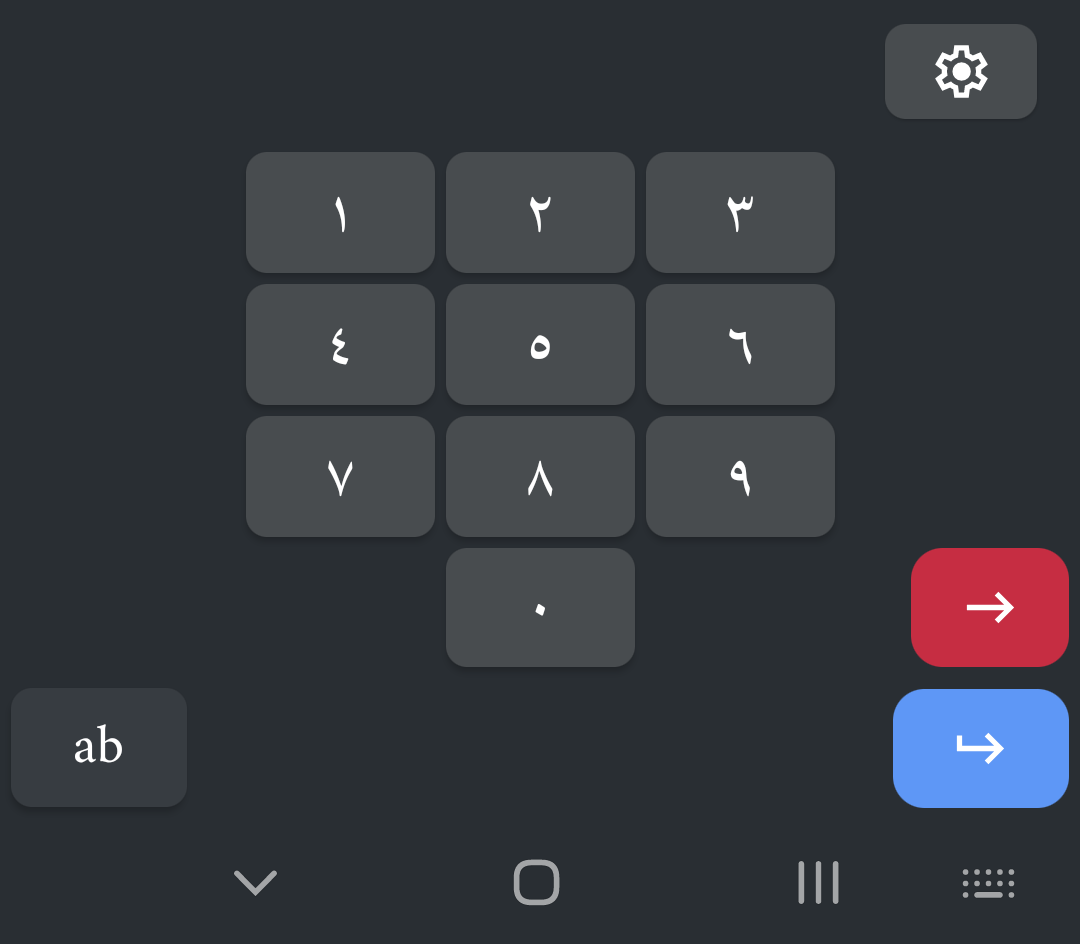
An application tailored for those who want to type Ottoman Turkish on portable Android devices.
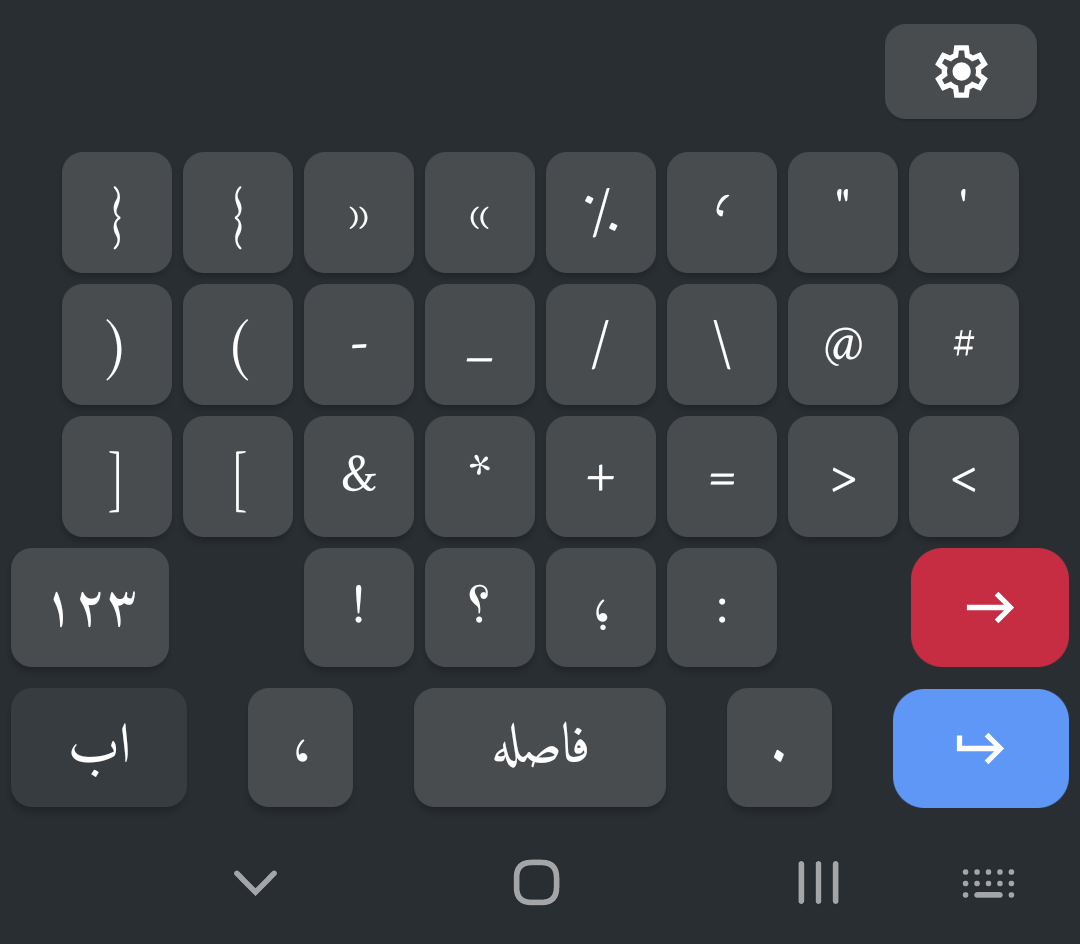
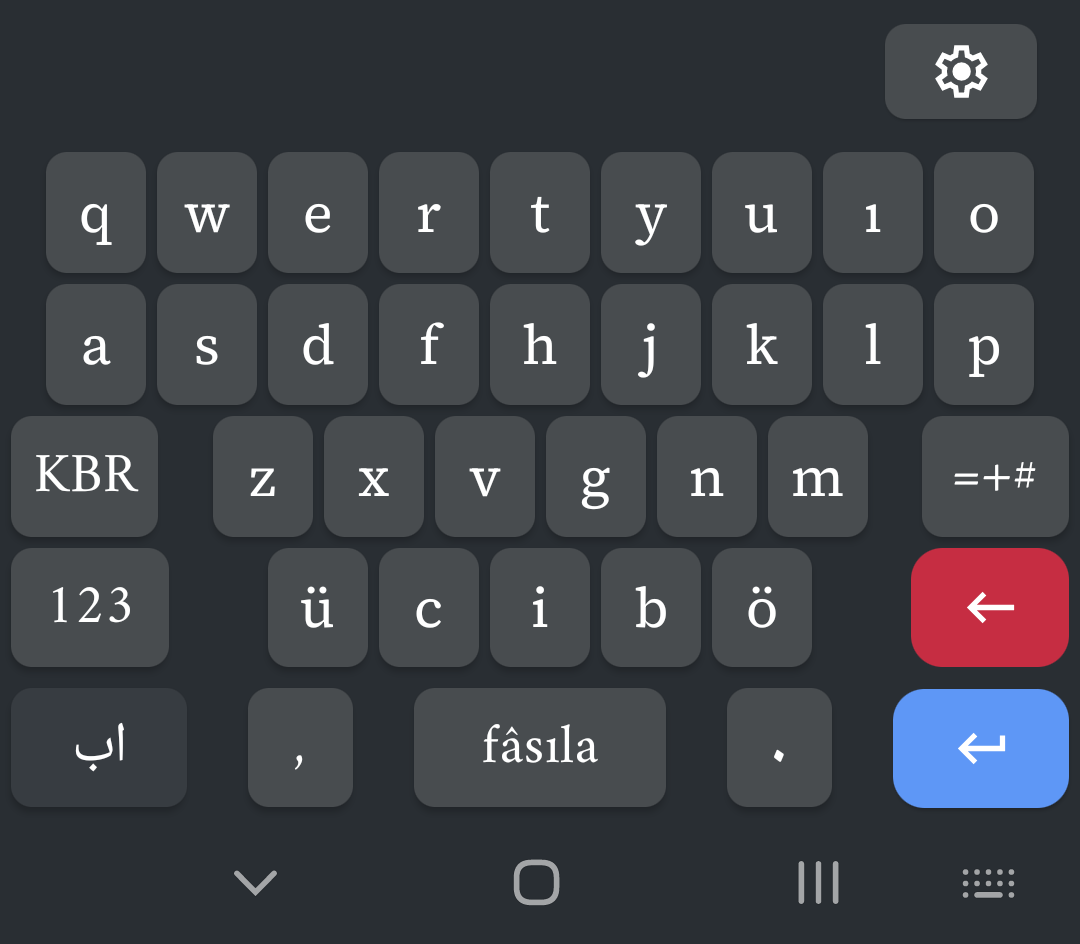
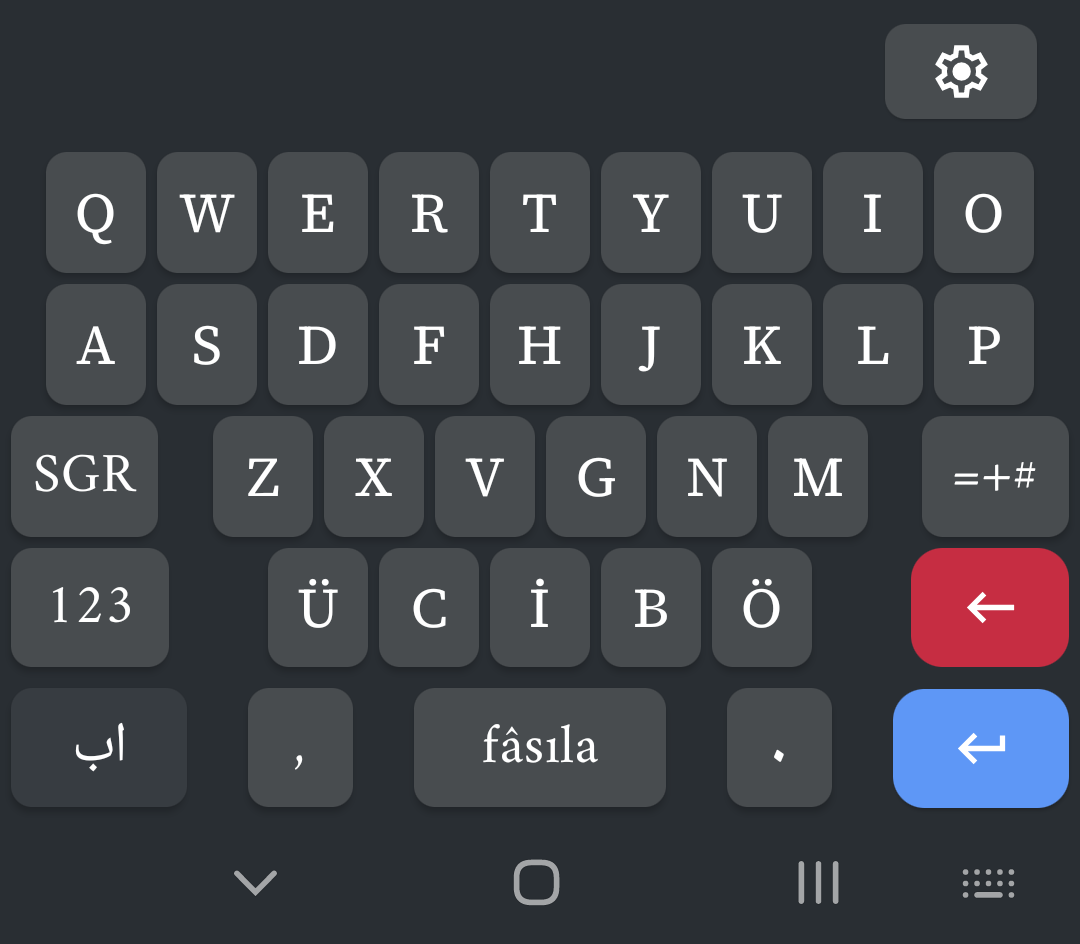
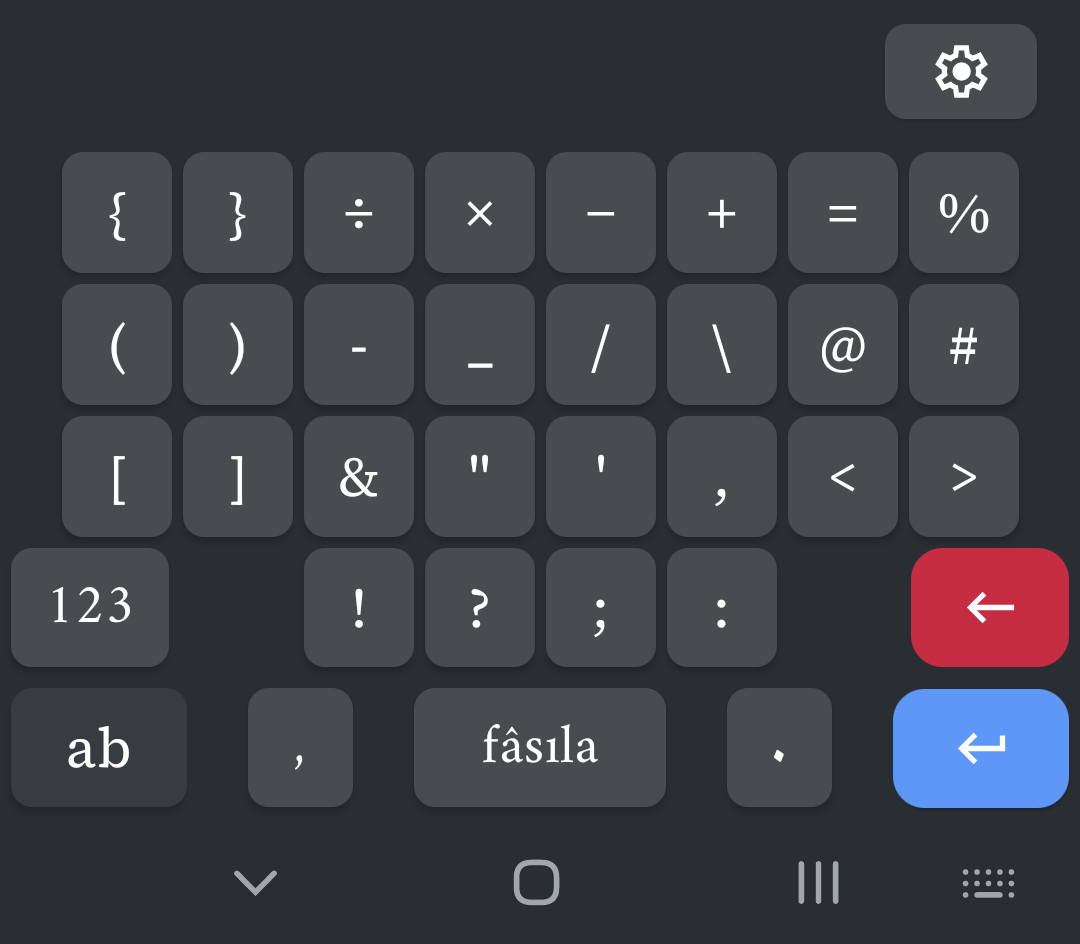
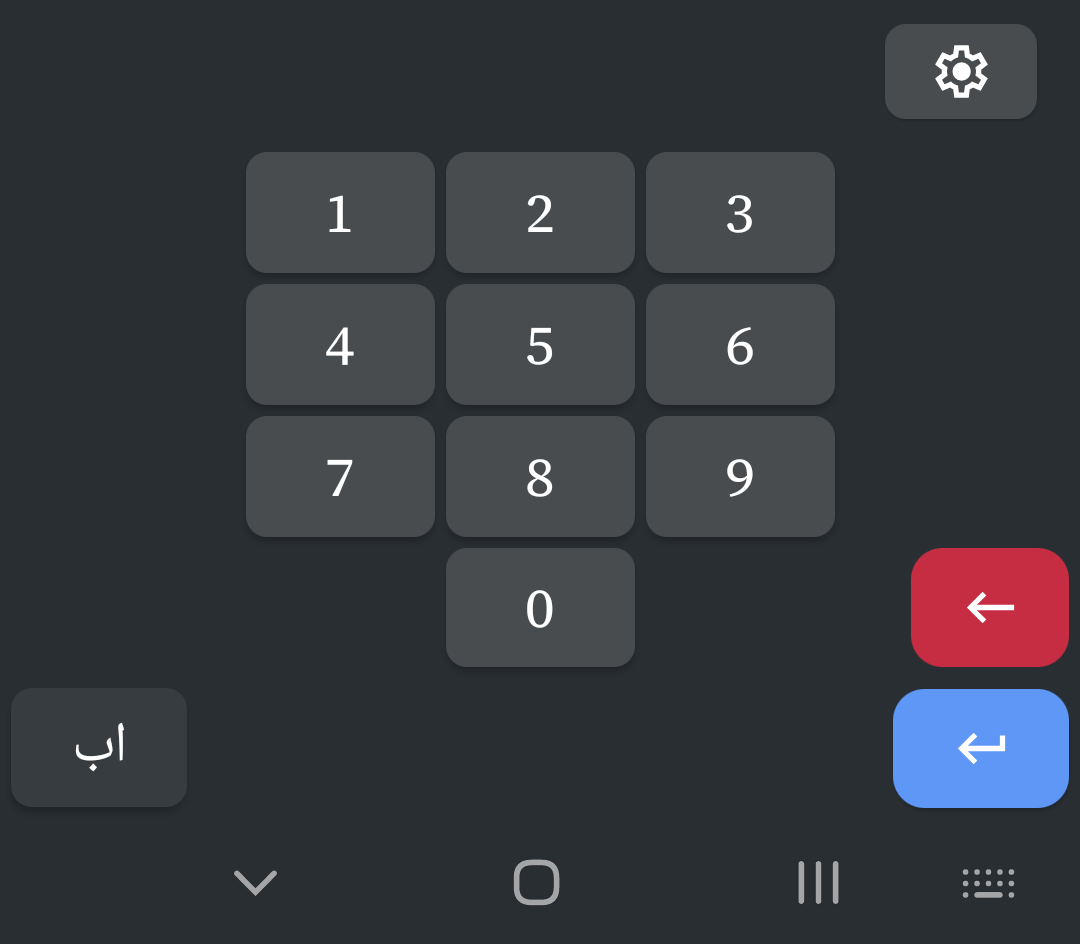
Installation Instructions
- Download the APK file to your Android device.
- Select the APK file and give the install command. (You may need to allow installation from unknown sources in your device settings.)
- Complete the installation following your device's guidance.
-
Open your device's Settings and navigate to:
System > Languages & input > Virtual keyboard - Select "Manage keyboards" and enable Mesdan.
- Now you can select and use Mesdan whenever you want to type something.
Known Issues
- Changing the "Screen zoom" and "Font size and style" settings on the device disrupts Mesdan's layout. To prevent this, I need to restructure the application architecture. However, I will make this change depending on the number of users utilizing these settings. If no one uses them, there is no need to make the change.
- The ability to select character alternatives by swiping (selecting alternatives without lifting your finger) will be implemented.
Requests
- Show all Latin characters. It should work in a way that can be toggled from the settings. All characters should be displayed just like the desktop version of Mesdan.
Frequently Asked Questions
Is Mesdan safe? Does it steal my data?
Mesdan has absolutely no network (internet) connection. It is the most reliable application you can find.
Android shows a warning while installing Mesdan. What is the reason?
Android warns the user when attempting to install a new keyboard to replace an existing one. This warning is not specific to our application. Even when downloading and installing Google's own keyboard named GBoard from the Google Play Store, it displays the exact same warning. Rest assured.